Comprehensive Virus Removal Services in Winnipeg: Expert Solutions for Malware and PC Virus Cleanup
In today’s digital landscape, the threat of computer viruses and malware is ever-present, impacting both personal and business devices. This article delves into the intricacies of virus removal services in Winnipeg, providing insights into how these services operate, their effectiveness, and the types of malware commonly encountered. Readers will learn about the processes involved in virus cleanup, the signs of infection, and when to seek professional help. Additionally, we will explore the specific offerings of CDC Computers, a leading provider in the area, and how they can assist in maintaining your computer’s health. Understanding these aspects is crucial for anyone looking to safeguard their digital environment against malicious threats.
Expert Solutions for Malware Detection
Malware detection services are essential for identifying and eliminating harmful software that can compromise system integrity. These services utilize advanced diagnostic tools to scan for various types of malware, including viruses, spyware, and ransomware. By employing sophisticated algorithms and real-time monitoring, these solutions can detect threats before they cause significant damage. The primary benefit of professional malware detection is the peace of mind it provides, knowing that your system is being actively monitored and protected against evolving threats.
The continuous evolution of malware necessitates adaptive detection techniques and the expertise of professionals to effectively combat new and emerging threats.
Adaptive Malware Detection & Expert Needs
ADAPTIVE UPDATE OF FEATURES With the development of detection techniques, techniques for anti-detection and a new type of attack also increased, which need experts must
A real-time and adaptive-learning malware detection method based on api-pair graph, Y Liu, 2020
Processes Involved in PC Virus Cleanup
The process of PC virus cleanup typically involves several key steps to ensure thorough removal and system restoration. Initially, a comprehensive diagnostic scan is performed to identify the presence of malware. This can be done either on-site or remotely, depending on the service provider’s capabilities. Once the malware is detected, the cleanup process begins, which may include the removal of infected files, the installation of antivirus software, and system optimization to prevent future infections. Follow-up support is often provided to ensure that the system remains secure and functions optimally.
Overall Effectiveness of These Services
The effectiveness of virus removal services can be gauged by several factors, including turnaround times, customer satisfaction, and the transparency of pricing. Many users report fast turnaround times, often receiving their devices back within 24-72 hours. Additionally, reputable services prioritize customer trust, offering clear communication throughout the process. CDC Computers exemplifies this commitment to quality, providing reliable virus removal solutions that have garnered positive feedback from clients.
While professional services strive for comprehensive solutions, it’s important to acknowledge the ongoing challenges in completely eradicating malware and fully restoring systems to their pre-infection state, even with advanced anti-virus software.
Anti-Virus Software Effectiveness in Malware Removal
SoHo users are increasingly faced with the dilemma of applying appropriate security mechanisms to their computer with little or no knowledge of which countermeasure will deal with which potential threat. As problematic as it may seem for individuals to apply appropriate safeguards, individuals with malicious intent are advancing methods by which malicious software may operate undetected on a target host. Previous research has identified that there are numerous ways in which malware may go undetected on a target workstation. This paper examines the quality of malware removal programs currently available on the market, which consumers may use whilst utilising the Internet. The research suggests that current anti-virus products, whilst able to detect most recently released malware, still fall short of eliminating the malware and returning the system to its original state.
Malware Detection and Removal: An examination of personal anti-virus software, M Brand, 2008
What Are the Common Types of Computer Viruses and Malware in Winnipeg?
Understanding the types of malware prevalent in Winnipeg is crucial for effective prevention and response strategies. Common threats include:
- Viruses: Malicious software that attaches itself to clean files and spreads throughout a computer system.
- Spyware: Software that secretly monitors user activity and collects personal information without consent.
- Ransomware: A type of malware that encrypts files and demands payment for their release.
Understanding Malware, Spyware, and Ransomware Threats
Malware encompasses a broad range of malicious software designed to harm or exploit any programmable device or network. Spyware specifically targets user privacy by tracking online activities and stealing sensitive information. Ransomware, on the other hand, poses a significant threat by locking users out of their files and demanding a ransom for access. Recognizing these threats is the first step in protecting your digital assets.
How Do These Viruses Affect Business and Personal Computers?
Viruses can have devastating effects on both business and personal computers. They can lead to data loss, system failures, and significant downtime, which can be costly for businesses. Personal users may experience compromised privacy and identity theft. The impact of ransomware can be particularly severe, as it disrupts operations and can result in financial losses if sensitive data is held hostage.
How Can You Identify Signs Your Computer Is Infected?
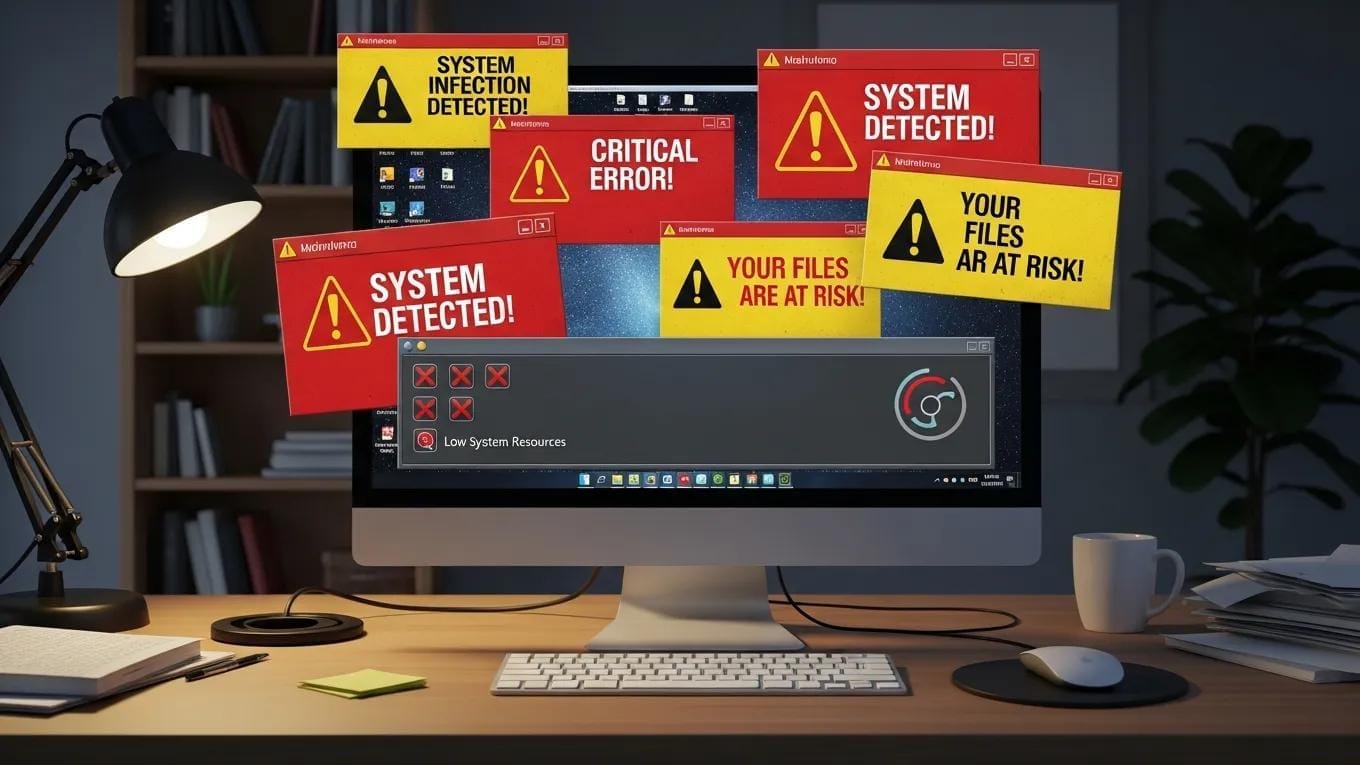
Identifying a computer infection early can mitigate damage and facilitate quicker recovery. Common signs include:
- Slow Performance: A noticeable decrease in speed can indicate malware activity.
- Frequent Crashes: Regular system crashes or unexpected shutdowns may signal an infection.
- Unusual Pop-ups: Excessive pop-up ads or unfamiliar programs appearing can be a sign of spyware or adware.
When to Seek Professional Virus Scan Services in Winnipeg
Knowing when to seek professional help is crucial for effective virus management. If you notice persistent symptoms of infection, such as slow performance or frequent crashes, it is advisable to consult a professional. Additionally, if your antivirus software fails to detect or remove a threat, seeking expert assistance can prevent further complications. Professional virus scan services can provide a thorough analysis and effective solutions to restore your system’s health.
What Is the Step-by-Step Virus Removal Process Offered by CDC Computers?
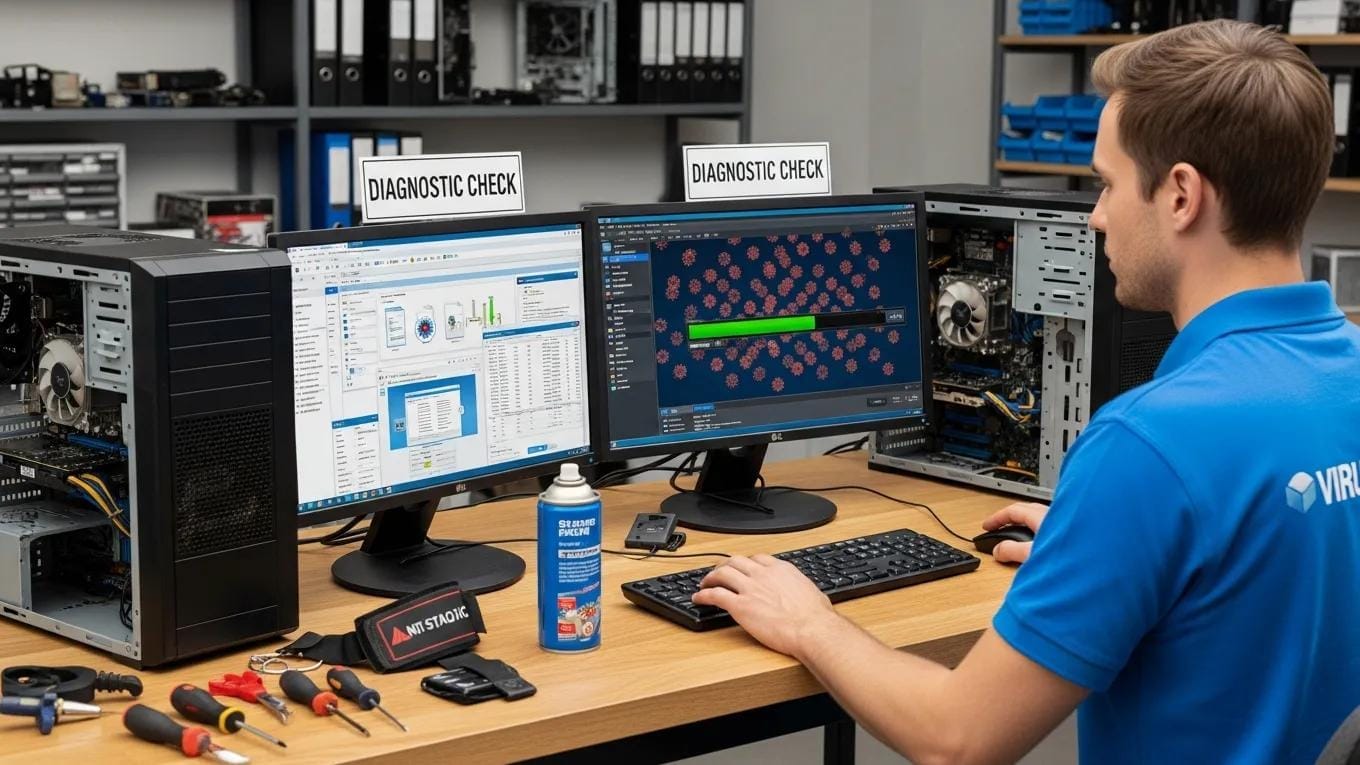
CDC Computers follows a systematic approach to virus removal, ensuring comprehensive service. The process includes:
- Initial Virus Scan: A detailed scan to identify all potential threats.
- Malware Detection Techniques: Utilizing advanced tools to pinpoint specific types of malware.
- Cleanup and Restoration Procedures: Removing infected files and restoring system functionality.
This structured approach ensures that all threats are addressed effectively, minimizing the risk of future infections.
What Are the Pricing and Service Options for Virus Removal in Winnipeg?
CDC Computers offers a range of service options tailored to meet diverse needs. Their pricing structure is competitive, with various packages available to suit different budgets. For instance, basic virus removal services typically start at around $99, while comprehensive packages that include ongoing support may range up to $249. This flexibility allows customers to choose a service that best fits their requirements.
This table illustrates the various options available, helping customers make informed decisions based on their specific needs.
How Can Businesses and Individuals Prevent Future Virus Infections?
Preventing future infections is essential for maintaining system integrity. Here are some effective strategies:
- Regular Software Updates: Keeping software up to date can patch vulnerabilities that malware exploits.
- Use of Antivirus Software: Reliable antivirus programs can detect and neutralize threats before they cause harm.
- User Education: Training users to recognize phishing attempts and suspicious downloads can significantly reduce infection risks.
Best Practices for IT Security and Malware Prevention in Winnipeg
Implementing best practices for IT security is vital for both individuals and businesses. Key strategies include:
- Data Backup: Regularly backing up data ensures recovery in case of a malware attack.
- Network Security: Utilizing firewalls and secure networks can protect against external threats.
- Proactive IT Management: Engaging with IT professionals for ongoing support can help identify and mitigate risks before they escalate.
Ongoing IT Support and Maintenance Services by CDC Computers
CDC Computers offers ongoing IT support and maintenance services to ensure that systems remain secure and efficient. Their managed IT services include regular system checks, updates, and immediate response to any detected threats. This proactive approach not only enhances security but also improves overall system performance, allowing users to focus on their core activities without the worry of potential malware threats.