5 Signs Your Winnipeg PC Needs an SSD or RAM Upgrade CDC Computers
By Remington Batista, CDC Computers
In today’s fast-paced digital environment, having a computer that runs smoothly is essential for productivity and efficiency. Many users in Winnipeg may not realize that their computer’s performance can be significantly enhanced with simple upgrades, such as adding a Solid State Drive (SSD) or increasing RAM. This article will explore five key signs that indicate your computer may need an upgrade, helping you identify potential issues before they become major problems. By understanding these signs, you can make informed decisions about optimizing your computer’s performance. We will cover slow boot times, frequent system freezing, slow application load times, insufficient memory notifications, and increased load times for files and programs. Additionally, we will discuss local services available in Winnipeg to assist with these upgrades.
Indeed, research emphasizes that optimizing computer equipment is a highly efficient solution for improving overall performance and reducing impact.
Optimizing Computer Upgrades for Performance & Efficiency
hardware platforms and infrastructure, such as personal computers that the most efficient solution (ie with the lowest impacts) is optimizing the impacts of computer equipment in general.
Optimizing the Impact of Upgrading Computer Equipment, G Breuil, 2024
Slow Boot Times
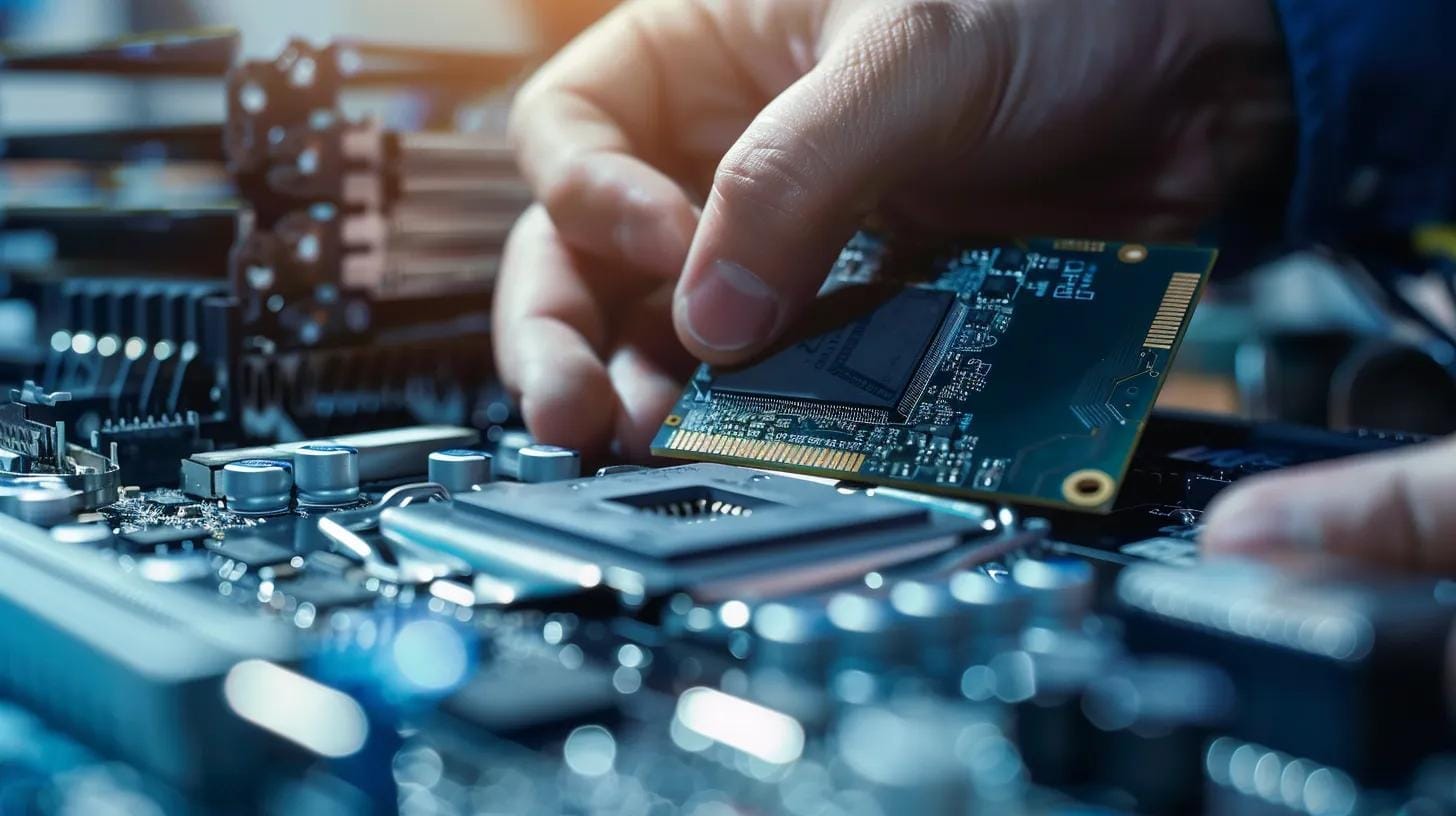
Slow boot times are often one of the first signs that your computer may benefit from an SSD upgrade. When a computer takes an excessive amount of time to start up, it can be frustrating and hinder productivity. An SSD can significantly reduce boot times, often by up to 3 to 5 times compared to traditional hard drives. This improvement is due to the SSD’s faster read and write speeds, which allow the operating system to load more quickly.
If you are experiencing slow boot times, it may be time to consider an SSD upgrade. CDC Computers, located at 1561 Erin St., Winnipeg, specializes in SSD upgrades and can help you enhance your computer’s performance. You can reach them at (204) 788-0900 for more information.
Frequent System Freezing or Crashing
Another critical sign that your computer may need a RAM upgrade is frequent system freezing or crashing. When your computer runs out of available memory, it struggles to manage running applications, leading to instability. Increasing your RAM can improve multitasking capabilities and overall system stability, allowing you to run multiple applications smoothly without interruptions.
If you notice that your computer frequently freezes or crashes, it may be time to consult with CDC Computers for a RAM upgrade. Their team can assess your system’s needs and recommend the best solutions to enhance your computer’s performance.
Slow Application Load Times
Slow application load times can be a significant productivity killer, especially for users who rely on specific software for their work or studies. When applications take too long to open, it can disrupt your workflow and lead to frustration. Upgrading to an SSD can drastically improve application load times, as SSDs provide faster data access compared to traditional hard drives.
If you find that your applications are loading slowly, consider the benefits of an SSD upgrade. The enhanced speed and performance can make a noticeable difference in your daily computing experience.
Insufficient Memory Notifications
Receiving insufficient memory notifications is a clear indicator that your computer may need a RAM upgrade. These notifications often appear when you attempt to run multiple applications or perform memory-intensive tasks. Insufficient memory can lead to slow performance and hinder your ability to work efficiently.
Upgrading your RAM can alleviate these issues, allowing your computer to handle more tasks simultaneously without slowing down. If you are experiencing these notifications, reach out to CDC Computers for assistance in upgrading your RAM to meet your computing needs.
Increased Load Times for Files and Programs

Increased load times for files and programs can be frustrating and time-consuming. If you notice that files take longer to open or programs lag when loading, it may be a sign that your computer’s storage is not keeping up with your demands. An SSD upgrade can significantly reduce load times, providing a smoother and more efficient user experience.
If you are tired of waiting for files and programs to load, consider upgrading to an SSD. CDC Computers can help you choose the right SSD for your system and ensure a seamless installation process.
What Are the Key Signs Indicating Your Computer Requires an SSD Upgrade?
How Does Slow Boot Time Signal the Need for an SSD Upgrade?
Slow boot times are a primary indicator that your computer may benefit from an SSD upgrade. The SSD’s ability to read and write data quickly allows for faster booting, which can enhance your overall computing experience. If your computer takes longer than usual to start, it may be time to consider this upgrade.
Can Frequent Application Lag Indicate SSD Performance Issues?
Yes, frequent application lag can indicate that your current hard drive is not performing optimally. An SSD can provide the necessary speed to eliminate lag and improve application responsiveness, making it a worthwhile investment for users experiencing these issues.
Which Symptoms Suggest Your Computer Needs a RAM Upgrade in Winnipeg?
How Does Insufficient Memory Affect Multitasking and Application Performance?
Insufficient memory can severely impact multitasking and application performance. When your computer runs out of RAM, it struggles to manage multiple applications, leading to slowdowns and crashes. Upgrading your RAM can provide the necessary resources to handle your workload effectively.
What Are the Common Indicators of RAM-Related System Slowdowns?
Common indicators of RAM-related slowdowns include frequent freezing, crashing, and insufficient memory notifications. If you experience these symptoms, it may be time to consider a RAM upgrade to enhance your computer’s performance.
How Do SSD and RAM Upgrades Compare in Enhancing Computer Performance?
What Are the Benefits of SSD Upgrades Versus Traditional HDDs?
SSD upgrades offer several advantages over traditional hard drives, including faster boot times, quicker application load times, and improved overall system responsiveness. These benefits can significantly enhance your computing experience, making SSDs a popular choice for users looking to upgrade their systems.
How Does Increasing RAM Improve Business and Student Computing Efficiency?
Increasing RAM can improve computing efficiency for both business and student users by allowing for smoother multitasking and faster application performance. This upgrade can lead to increased productivity and a more enjoyable computing experience.
What Are the Local SSD and RAM Upgrade Services Available in Winnipeg?
If you’re considering an upgrade, CDC Computers offers a range of services tailored to meet your needs. Their team of experts can help you choose the right SSD or RAM for your system and ensure a professional installation. With their experience in computer upgrades, you can trust that your system will be optimized for performance.
How Can You Maintain Optimal Computer Performance After an SSD or RAM Upgrade?
What Best Practices Ensure Longevity and Efficiency of Upgraded Hardware?
To maintain optimal performance after an upgrade, consider the following best practices:
- Regular Maintenance: Keep your system updated and perform regular maintenance checks to ensure everything runs smoothly.
- Monitor Performance: Use performance monitoring tools to track your computer’s efficiency and identify any potential issues early.
- Avoid Overloading: Be mindful of the number of applications you run simultaneously to prevent overloading your system.
How Does Regular Diagnostic Testing Support Sustained Performance?
Regular diagnostic testing can help identify any underlying issues that may affect your computer’s performance. By addressing these issues promptly, you can ensure that your upgraded hardware continues to function optimally over time.