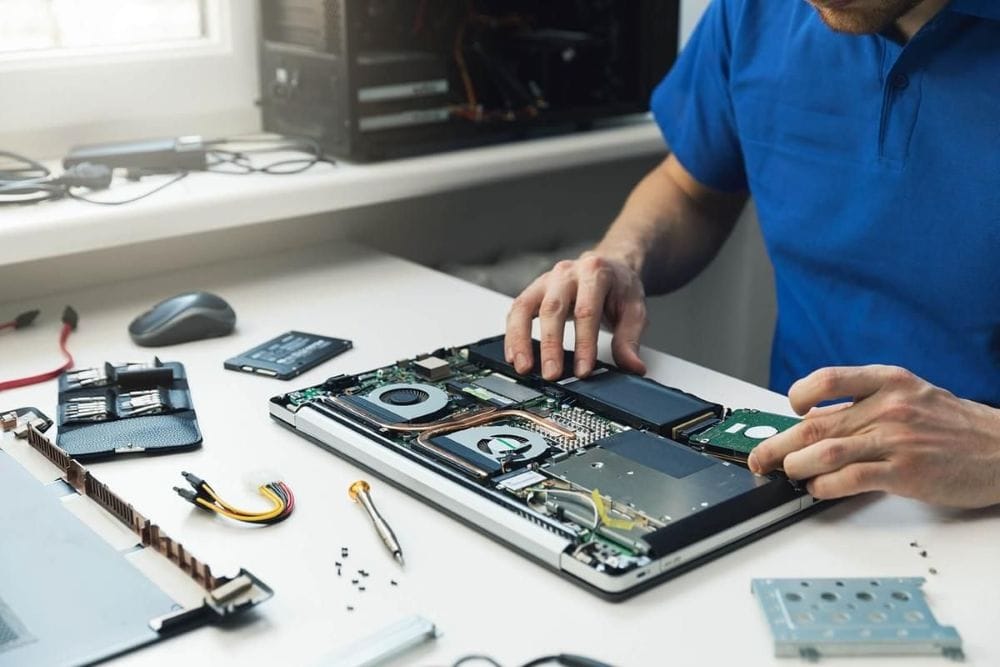
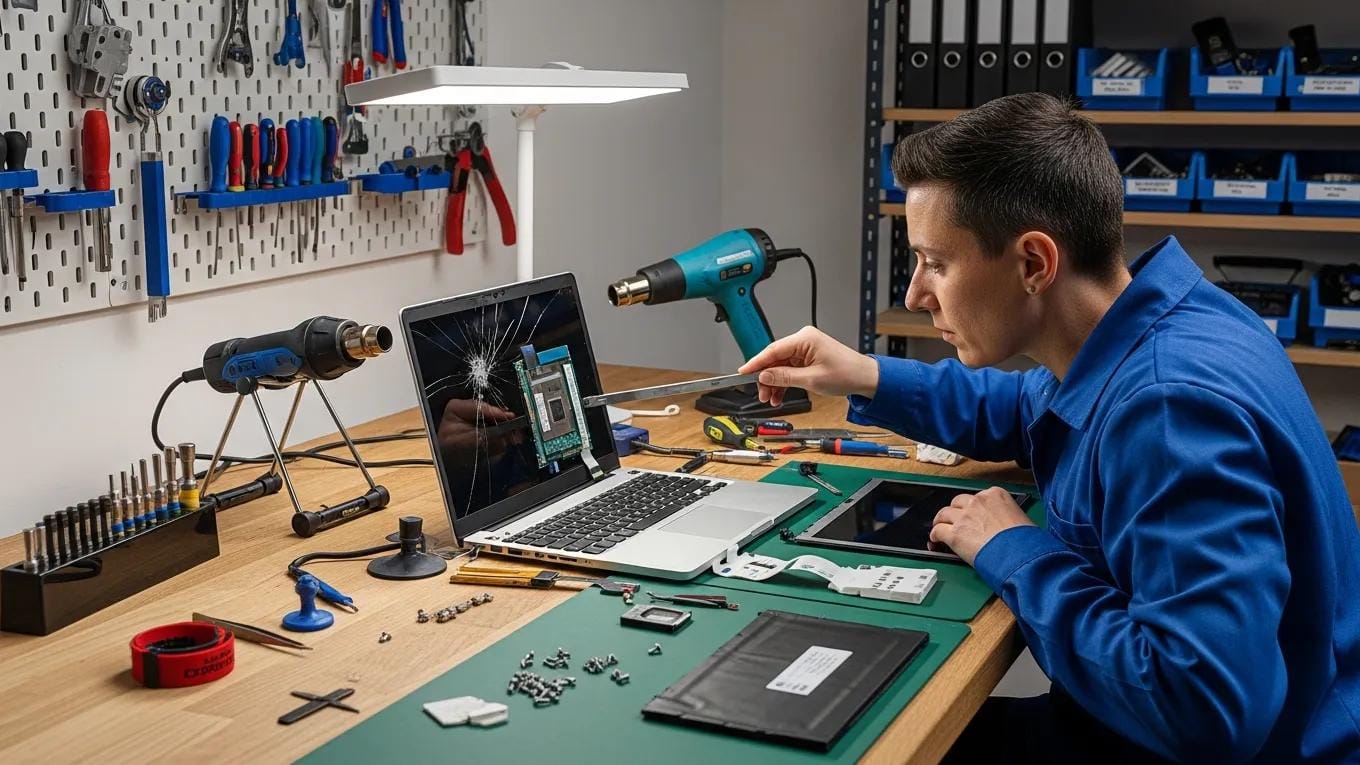
Comprehensive Laptop Repair Services in Winnipeg: Your Complete Guide to Expert Solutions
In today’s fast-paced digital world, having a reliable laptop is essential for both personal and professional tasks. However, when issues arise, knowing where to turn for expert repair services can be daunting. This comprehensive guide on laptop repair services in Winnipeg will provide you with valuable insights into the types of repairs available, the expertise of local technicians, and how to maintain your device for optimal performance. Whether you’re facing hardware malfunctions or software glitches, understanding the repair landscape can help you make informed decisions. We will explore the key services offered, the diagnostic processes used by professionals, typical costs and turnaround times, and why choosing a trusted provider like CDC Computers can make all the difference.
Comprehensive Guide on Laptop Repair Services in Winnipeg
Laptop repair services encompass a wide range of solutions designed to address various issues that can affect your device’s performance. From hardware repairs to software solutions, these services are crucial for maintaining the functionality and longevity of your laptop. Professional repairs ensure that problems are diagnosed accurately and resolved efficiently, minimizing downtime and restoring your device to optimal working condition. Understanding the types of services available can help you identify the right solution for your specific needs.
Research highlights the ongoing challenge for technicians in accurately diagnosing both hardware and software damage, underscoring the value of expert systems in streamlining this process.
Expert System for Laptop Damage Diagnosis
The analysis is based on research conducted that the obstacles experienced are that technicians have difficulty in overcoming damage to laptops, both hardware and software damage. The results of the research are expected to design an expert system for diagnosing damage to laptops so that it can facilitate the shop so that it can diagnose damage quickly, precisely and accurately.
Laptop Damage Detection Expert System with the Forward Chaining Method, 2022
Expert Solutions Offered by CDC Computers
CDC Computers provides a variety of expert solutions tailored to meet the diverse needs of laptop users in Winnipeg. Their services include:
- Hardware Repairs: Addressing issues like power failures, motherboard replacements, and component upgrades.
- Software Solutions: Virus and malware removal, operating system repairs, and software installations.
- Data Recovery: Professional services for retrieving lost or corrupted data.
These offerings ensure that customers receive comprehensive support for their laptop issues, making CDC Computers a reliable choice for repairs.
Available Service Offerings
When it comes to laptop repair, CDC Computers offers several key services that cater to both individual and business needs:
- Business Laptop Diagnostics and Repair: Quick assessments and repairs to minimize downtime for businesses.
- Battery and Power System Repair: Ensuring laptops charge properly and maintain power for uninterrupted use.
- On-Site and Remote Support: Providing assistance directly at your location or through secure remote access.
These service offerings highlight the commitment of CDC Computers to provide effective solutions for all types of laptop issues.
Pricing Details
Understanding the pricing structure for laptop repair services is essential for budgeting and making informed decisions. CDC Computers employs a transparent pricing model that includes:
Additionally, discounts are available for seniors and students, offering 10% off labor costs. This pricing structure allows customers to anticipate costs and make informed choices regarding their laptop repairs.
Customer Support Options
CDC Computers prioritizes customer satisfaction by offering various support options. Customers can reach out via:
- Phone: (204) 788-0900
- Email: info@cdccomputers.com
- Address: 620 King Edward Street, Winnipeg
These contact methods ensure that assistance is readily available for any inquiries or support needs.
Why Choose CDC Computers?
Choosing the right repair service is crucial for ensuring quality and reliability. CDC Computers stands out for several reasons:
- Experience and Expertise: With over 25 years in the industry, they provide reliable and expert services.
- Local Technicians: All repairs are handled by in-house technicians who understand the unique needs of Winnipeg residents.
- Fast Turnaround: Many repairs are completed within 24-72 hours, minimizing inconvenience for customers.
These factors contribute to the trust and confidence that customers place in CDC Computers for their laptop repair needs.
Technician Qualifications and Extensive Experience in IT Solutions
The technicians at CDC Computers are highly qualified, with extensive experience in IT solutions. They undergo continuous training to stay updated on the latest technologies and repair techniques, ensuring that they can effectively address a wide range of laptop issues. This commitment to professional development enhances the quality of service provided to customers.
Customer Testimonials and Service Guarantees for Trustworthy Repairs
Customer feedback plays a vital role in establishing trust. CDC Computers has received numerous positive testimonials highlighting their commitment to quality repairs and customer service. They also offer service guarantees, ensuring that customers can rely on their expertise and support.
What Are the Key Laptop Repair Services Available in Winnipeg?
In Winnipeg, several key laptop repair services are essential for maintaining device functionality. These include:
- Laptop Screen Repair: Restoring display functionality efficiently by addressing common screen issues such as cracks and dead pixels.
- Battery Replacement Services: Ensuring reliable power performance by replacing failing batteries and optimizing power systems.
Laptop Screen Repair: Restoring Display Functionality Efficiently
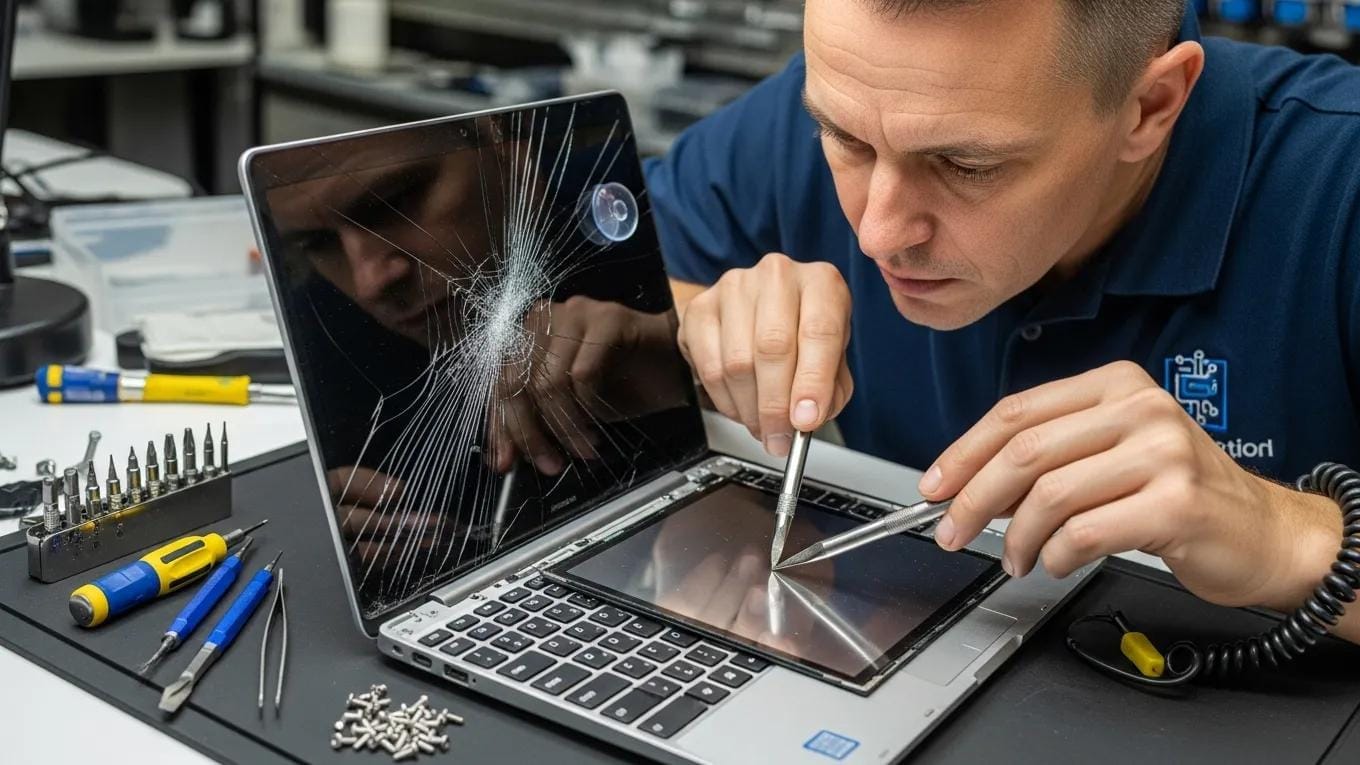
Laptop screen repairs are crucial for restoring functionality. Common issues include cracked screens, flickering displays, and dead pixels. Technicians utilize high-quality replacement parts and advanced techniques to ensure that screens are restored to their original condition. Regular maintenance and careful handling can help prevent future screen damage.
Battery Replacement Services: Ensuring Reliable Power Performance
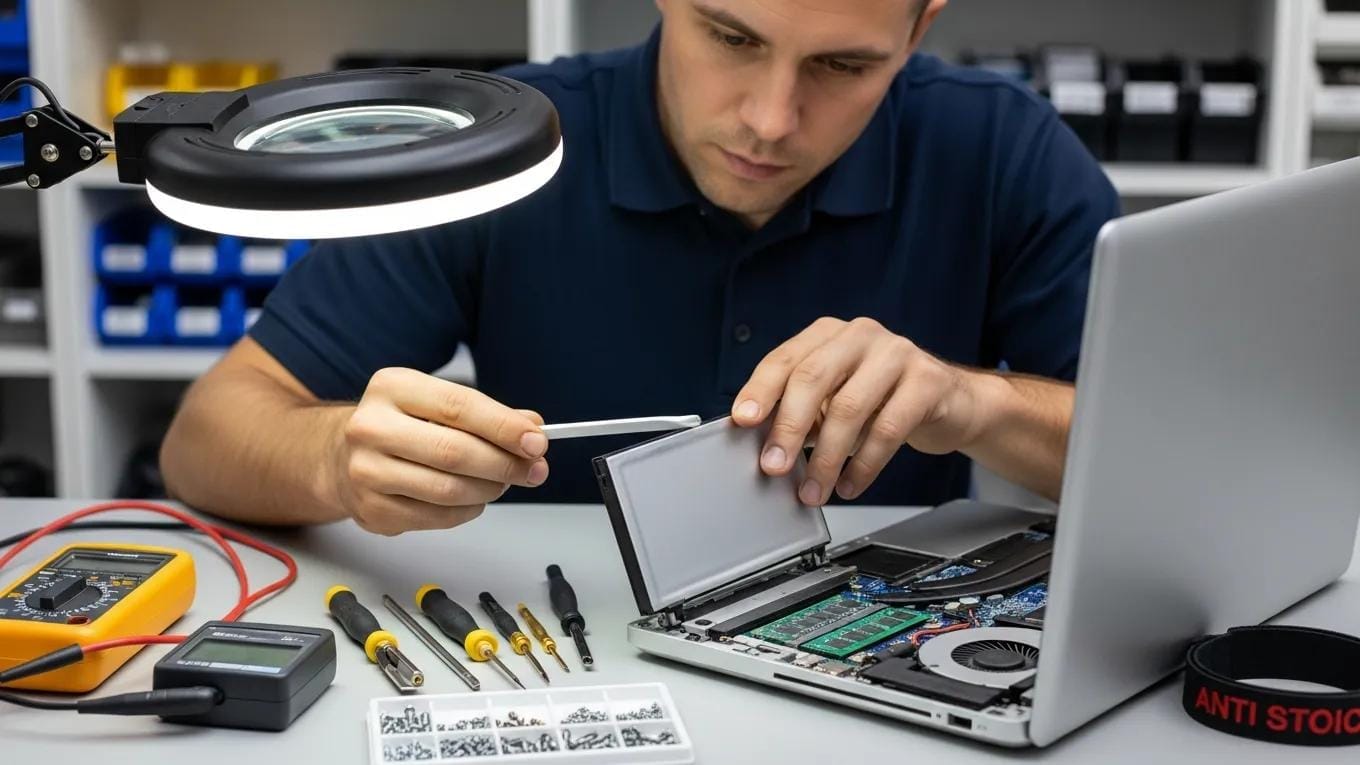
Battery replacement services are vital for maintaining laptop performance. Signs of battery failure include rapid discharge, overheating, and failure to charge. Technicians at CDC Computers follow a systematic replacement process to ensure that new batteries are installed correctly, enhancing the overall reliability of the device. Regular battery maintenance can extend the lifespan of your laptop’s power system.
How Do Professional Technicians Diagnose and Resolve Laptop Issues?
Professional technicians employ systematic diagnostic processes to identify and resolve laptop issues effectively. This involves a thorough assessment of both hardware and software components to pinpoint the root cause of problems.
Diagnostic Processes for Hardware and Software Problems
The diagnostic process typically begins with an initial consultation, where technicians gather information about the symptoms and history of the device. They then perform on-site diagnostics to evaluate hardware components, such as the motherboard and power supply, as well as software issues like operating system errors. This comprehensive approach ensures that all potential problems are addressed.
Effective fault diagnosis is crucial, as various factors can cause abnormal laptop function, encompassing both hardware and software errors.
Laptop Fault Diagnosis: Hardware & Software Errors
hardware, and software errors. There are several factors which can cause a laptop to function abnormally, for instance, if a laptop is
An Expert System for Laptop Fault Diagnostic Assistance, NA Samsudin, 2021
Virus Removal and Data Recovery Techniques Employed by Experts
Virus removal and data recovery are critical services offered by technicians. They utilize advanced tools and techniques to eliminate malware and recover lost data. This process often involves scanning the system for threats, removing harmful software, and restoring data from backups or damaged drives. Ensuring data security is a top priority for professionals in the field.
What Are the Typical Costs and Turnaround Times for Laptop Repairs in Winnipeg?
Understanding the costs and expected turnaround times for laptop repairs is essential for planning. Typical costs vary based on the type of repair needed, while turnaround times can range from same-day service to several days, depending on the complexity of the issue.
Affordable Pricing Structures for Common Laptop Repairs
The pricing structure for common laptop repairs is designed to be transparent and affordable. For instance, screen replacements typically cost around $200, while battery replacements are priced at approximately $100. These costs reflect the quality of service and parts used, ensuring that customers receive value for their investment.
Expected Repair Durations and Same-Day Service Options
Repair durations can vary significantly based on the nature of the issue. Many common repairs can be completed within 24-72 hours, while more complex problems may take longer. CDC Computers also offers same-day service options for urgent repairs, allowing customers to have their devices back in working order as quickly as possible.
How Can You Maintain Your Laptop to Minimize Future Repair Needs?
Preventative maintenance is key to extending the lifespan of your laptop and minimizing the need for repairs. Implementing best practices can help keep your device running smoothly.
Best Practices for Laptop Care and Preventative Maintenance
To maintain your laptop effectively, consider the following best practices:
- Regular Software Updates: Keep your operating system and applications updated to protect against vulnerabilities.
- Physical Care Tips: Handle your laptop with care, avoiding drops and spills that can cause damage.
- Data Backup Strategies: Regularly back up important data to prevent loss in case of hardware failure.
These practices can significantly reduce the likelihood of encountering major issues in the future.
When to Seek Professional Repair Versus DIY Solutions
While some minor issues can be addressed through DIY solutions, knowing when to seek professional help is crucial. Signs that professional repair is needed include persistent software errors, hardware malfunctions, and data loss. Attempting to fix complex issues without the necessary expertise can lead to further damage, making it essential to consult with professionals when in doubt.
For those considering self-repair, comprehensive guides exist that cover troubleshooting and fixing various hardware and software issues, including BIOS problems and using Windows repair tools.
Laptop Hardware & Software Repair Guide
hardware and BIOS problems, and use Windows repair tools to repair a program (app), and how to trick an old program
The PC and gadget help desk: A do-it-yourself guide to troubleshooting and repairing, 2014
For more detailed information on laptop repair services and expert advice, visit the CDC Computers resources page to explore helpful guides and tips.