
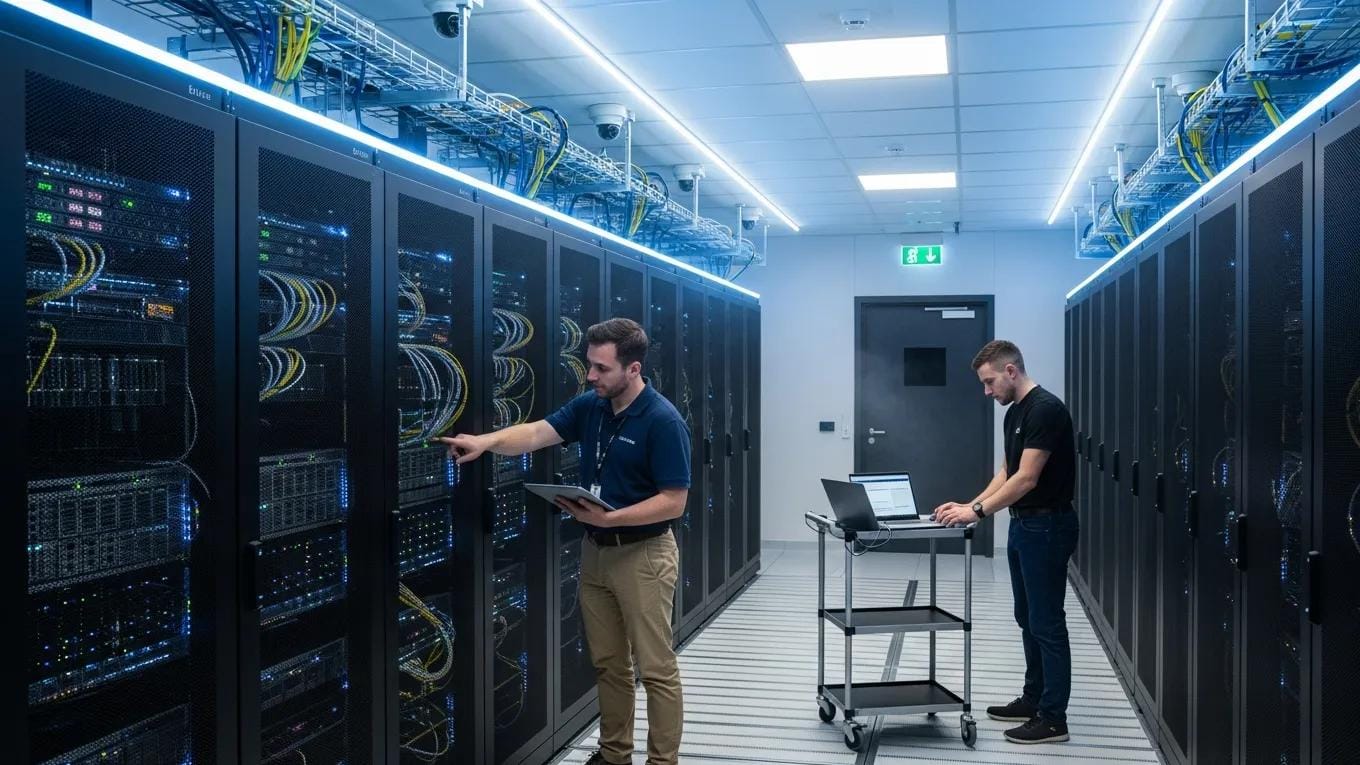
Comprehensive Winnipeg Server Setup: Expert Server Installation, Virtualization, and Management Solutions
In a changing IT environment, effective server installation, virtualization, and management are essential for businesses seeking improved operational efficiency and security. This guide examines the processes, techniques, and strategies that support successful server deployments. Readers will gain a clear understanding of the benefits of professional installation, the role of virtualization, and management practices that sustain optimal performance. The content addresses installation and management phases, virtualization methods, key service features, and the advantages of engaging local specialists such as CDC Computers for dedicated support.
Key Takeaways
- Professional server installation in Winnipeg enhances operational efficiency through tailored design, expert setup, and ongoing management.
- Virtualization techniques like VMware and Hyper-V optimize IT infrastructure by improving resource utilization and flexibility.
- Effective server management strategies include managed IT services, cybersecurity solutions, and cloud services to ensure performance and security.
- Key server service features such as custom builds, high availability, scalability, and local expertise support business continuity.
- Local server setups provide faster response times, enhanced security, and customized solutions aligned with specific business needs.
- Managed server support reduces downtime and enables scalable IT infrastructure with predictable costs and expert guidance.
- Robust server security and backup solutions, including access control, firewalls, encryption, and automated backups, protect critical business data.
- Hybrid cloud and edge computing solutions offer scalability, improved performance, enhanced security, and reliable disaster recovery options.
- Case studies demonstrate significant ROI and operational improvements from professional server installation and management by local experts like CDC Computers.
Server Installation & Management Process
Server installation and management constitute foundational steps in establishing a resilient IT infrastructure. The process typically includes consultation and planning, custom design, professional installation, configuration, testing and deployment, and ongoing management. Each stage ensures the server environment aligns with business requirements and delivers reliable performance.
Consultation & Planning
The initial stage establishes the organization’s requirements, assesses existing infrastructure, identifies risks, and defines the server strategy required to meet business objectives.
Custom Design
Following planning, a custom server design is produced that addresses scalability, performance, and security to support future growth.
Professional Installation
During installation, certified technicians perform hardware and software deployment and verify correct configuration to achieve intended performance.
Configuration
Configuration integrates the server with existing systems, including user accounts, permissions, and network settings, to ensure secure and efficient operation.
Testing & Deployment
Comprehensive testing validates functionality and performance prior to deployment, reducing the risk of operational issues at go-live.
Ongoing Management
Ongoing management comprises routine updates, continuous monitoring, and prompt troubleshooting to maintain server health and service levels.
Virtualization Techniques
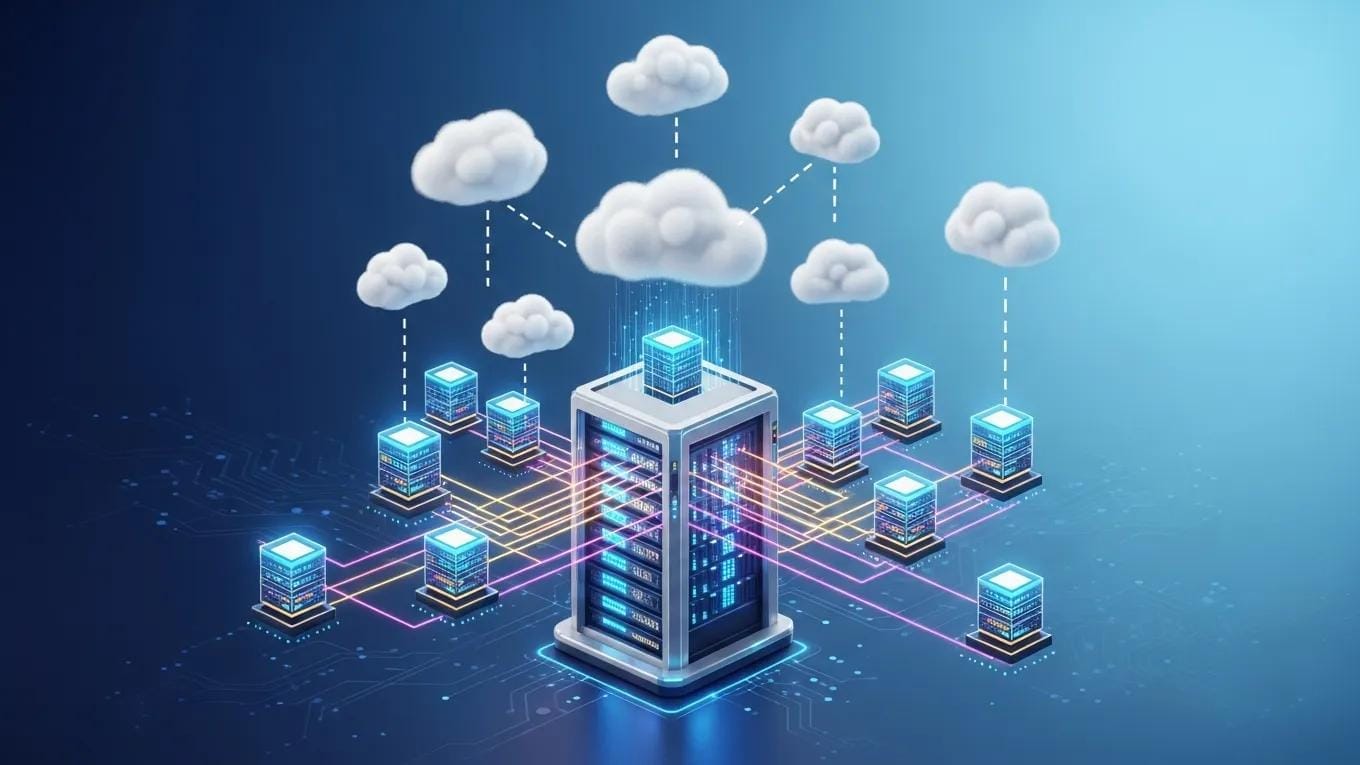
Virtualization is central to contemporary server management. Creating virtual server instances enables multiple operating systems and applications to run on a single physical host, improving resource utilization, flexibility, and cost efficiency.
Research underscores virtualization’s transformative impact on server infrastructures.
Server Virtualization Security & VM Protection
Many organizations implementing server virtualization reported that, during a project spanning several months, the team virtualized a web server farm and deployed 30 virtual machines. Virtualization security: protecting virtualized environments, 2012
Importance of Tailored Server Solutions
Tailored server solutions allow organizations to align IT resources with operational requirements. Customization supports scalable infrastructure and avoids unnecessary expenditure.
Support for Applications and Data Management
Virtualization improves application performance and data management. By isolating workloads in virtual environments, organizations reduce conflicts and increase reliability for critical applications.
Management Strategies
Effective management strategies preserve server performance and security. They combine managed IT services, cybersecurity, and cloud integration to maintain availability and compliance.
Managed IT Services

Managed IT services deliver expert support for server infrastructure. A proactive stance addresses issues before escalation, minimizing downtime and sustaining productivity.
Studies confirm that structured management strategies improve system stability and operational performance.
Enhancing IT System Performance & Downtime Reduction
The paper examines how dashboards can assist Information and Communications Technology (ICT) production support teams to manage systems, improve stability, and enhance performance. It describes forecasting potential issues and prescribing solutions to prevent major outages.
Improvement of system performance in an IT production support environment, L Garg, 2021
Cybersecurity Solutions
Given rising cyber threats, robust cybersecurity is essential. These measures protect sensitive data, ensure regulatory compliance, and protect the organization’s reputation and financial stability.
Cloud Services
Cloud services provide scalability and operational flexibility. Leveraging cloud resources reduces capital expenditure and enables more efficient resource allocation.
Key Features of Server Services
When selecting server services, businesses should evaluate custom builds, high availability, scalability, and local expertise to ensure performance and reliability.
Custom Builds
Custom builds configure hardware and software to match specific operational requirements, optimizing performance and resource use.
High Availability
High availability design reduces downtime and maintains access to critical applications during maintenance or unexpected failures, supporting business continuity.
Scalability
Scalability enables incremental expansion of server resources to support growth without major disruption.
Local Expertise
Selecting a provider with local expertise, such as CDC Computers, delivers tailored support that addresses Winnipeg’s market conditions and regulatory requirements.
Target Industries
Industry-specific requirements affect server design and management. Understanding these differences is necessary to deliver effective solutions.
Retail
In retail, reliable server management is critical for transaction processing and inventory systems, particularly during peak periods.
Professional Services
Professional services firms require secure, high-performance infrastructure to manage client engagements and data, improving productivity and collaboration.
Healthcare
In healthcare, servers must meet strict regulatory standards while ensuring timely access to patient records.
Startups
Startups need flexible, scalable server solutions to support rapid expansion. Virtualization and cloud services deliver the required agility.
What Are the Key Benefits of Professional Server Installation in Winnipeg?
Professional server installation delivers measurable benefits: cost savings, technical expertise, reduced deployment time, and ongoing support.
Engaging professional services ensures a reliable deployment and continuous support that sustain optimal performance.
How Does Local Server Setup Enhance Business Efficiency and Security?
Local server deployment provides advantages in responsiveness and data protection. Proximity to support resources shortens response times and strengthens localised security controls.
Custom Builds
Local setups facilitate custom builds tailored to operational workflows, improving performance and alignment with business needs.
High Availability
Implementing high availability in local deployments reduces downtime and preserves access to mission-critical applications.
Security Measures
Local deployments permit security measures specifically designed for regional threat profiles and regulatory obligations.
Ongoing Management
Local ongoing management enables proactive issue resolution, minimising disruptions and maintaining service levels.
Why Choose CDC Computers for Reliable Dedicated Server Support?
CDC Computers delivers dedicated server support in Winnipeg through custom solutions, experienced staff, risk mitigation, and continuous management, positioning them as a reliable partner for business IT needs.
Custom Solutions
CDC Computers provides customised server architectures aligned to each organization’s operational requirements, optimising resource allocation.
Expertise
CDC Computers’ technicians possess local market knowledge and server management expertise to deliver effective installations and support.
Risk Mitigation
CDC Computers applies layered security controls and proactive management to reduce operational risks associated with server environments.
Ongoing Management
Their ongoing management services maintain system performance, allowing clients to concentrate on core business activities.
Which Server Virtualization Technologies Optimize IT Infrastructure?
Server virtualization technologies are central to infrastructure optimization. VMware and Hyper-V are leading platforms that provide distinct capabilities for resource management and high availability.
VMware
VMware offers mature virtualization features, including advanced resource scheduling and high-availability options for enterprise environments.
Hyper-V
Microsoft Hyper-V integrates closely with Windows ecosystems, providing streamlined management for organizations invested in Microsoft platforms.
How Do VMware and Hyper-V Compare for Virtual Server Management?
Comparisons between VMware and Hyper-V should consider performance, licensing costs, and administrative familiarity to determine the best fit.
This summary clarifies each solution’s strengths and assists organizations in selecting the platform that matches their operational priorities.
What Are the Advantages of Hybrid Cloud and Edge Computing Solutions?
Hybrid cloud and edge computing extend infrastructure capabilities by combining on-premises control with cloud scale, improving performance, security, and resilience.
Scalability
Hybrid cloud enables dynamic scaling of resources to meet fluctuating demand.
Enhanced Performance
Edge computing processes data closer to its source, reducing latency and improving real-time application responsiveness.
Improved Security
Hybrid architectures allow sensitive data to remain on-premises while less critical workloads run in the cloud, supporting compliance and reducing exposure.
Disaster Recovery
Hybrid strategies incorporate resilient backup and failover mechanisms to accelerate recovery after disruptions.
How Do Managed Server Services and Remote Monitoring Improve IT Operations?
Managed server services and remote monitoring provide proactive oversight that strengthens cybersecurity, reduces downtime, and grants access to specialised expertise.
Enhanced Cybersecurity
Managed services implement layered cybersecurity controls to minimise breach risk and maintain regulatory compliance.
Reduced System Downtime
Real-time monitoring detects anomalies early, enabling rapid remediation and significantly reducing unplanned downtime.
Predictable IT Management
Managed services offer predictable, subscription-based pricing that simplifies budgeting and reduces unexpected maintenance expenses.
Access to Experienced IT Professionals
Clients gain continuous access to experienced IT professionals who advise on architecture, performance tuning, and incident resolution.
What Remote Server Monitoring Tools Ensure Proactive Issue Resolution?
Remote monitoring tools deliver real-time insights on server health, allowing organisations to resolve issues before they affect operations.
24/7 Monitoring
24/7 monitoring ensures prompt detection and response to faults, limiting service interruption.
Automated Backups
Automated backup capabilities ensure critical data is captured regularly and can be restored quickly after a failure.
Performance Optimization
Monitoring platforms provide performance metrics that inform resource optimisation and capacity planning.
How Does Managed Server Support Reduce Downtime and Enhance Scalability?
Managed server support reduces downtime and enables scalable infrastructure through proactive administration and capacity planning.
Reduced Downtime
Proactive monitoring identifies faults early, reducing downtime and preserving access to mission-critical services.
Enhanced Scalability
Managed services enable on-demand scaling of resources to support business growth without disruptive migrations.
Predictable Costs
Managed service agreements provide transparent costs and predictable operating expenses for IT management.
Access to Expertise
Subscribers receive expert guidance from seasoned IT professionals for architecture, security, and operational support.
What Server Security and Backup Solutions Protect Business Data Effectively?
Comprehensive security and backup measures combine access control, firewalls, encryption, and structured backup strategies to protect business data.
Access Control
Strict access controls limit system access to authorised personnel and reduce exposure to insider and external threats.
Firewalls and Encryption
Firewalls and encryption protect data in transit and at rest, supporting compliance with regulatory standards.
Data Backup and Disaster Recovery
Regular backups are essential to restore critical systems after failure; organisations should implement comprehensive backup and recovery procedures.
Which Backup Strategies Safeguard Against Data Loss in Winnipeg Businesses?
Effective backup strategies combine secure cloud backups, automated schedules, external storage, redundancy, and integrated cybersecurity protections.
- Secure Cloud Backups: Utilizing cloud-based backup solutions ensures that data is stored securely offsite, providing protection against local disasters.
- Automated Scheduled Backups: Regularly scheduled backups minimize the risk of data loss by ensuring that critical information is consistently backed up.
- External Data Storage Solutions: Storing backups on external devices provides an additional layer of protection against data loss.
- Server and RAID Redundancy: Implementing redundancy measures ensures that data remains accessible even in the event of hardware failures.
- Cybersecurity Protection: Incorporating cybersecurity measures into backup strategies helps protect against data breaches and ransomware attacks.
Together, these measures improve data resilience and enable rapid recovery following incidents.
How Do Security Protocols Mitigate Risks in Server Virtualization Environments?
Security protocols mitigate risks in virtualized environments through access controls, network segmentation, and regular backups.
Access Control
Access controls restrict virtual server access to authorised users, reducing the risk of unauthorised access.
Firewalls and Encryption
Firewalls and encryption safeguard virtual workloads from external threats and help meet regulatory obligations.
Data Backup and Disaster Recovery
Consistent backups and tested recovery procedures ensure virtual servers can be restored after failure.
How Do Case Studies Demonstrate ROI and Success with Local Server Services?
Case studies illustrate ROI and operational improvements realized through local server services, offering practical evidence of benefit.
Client Success Stories
- Case Study 1: A local retail business experienced a 30% increase in operational efficiency after implementing a tailored server solution from CDC Computers.
- Case Study 2: A healthcare provider improved data security and compliance by partnering with CDC Computers for their server management needs.
These examples demonstrate measurable gains achieved through professional installation and ongoing management.
How Has CDC Computers Improved IT Infrastructure for Winnipeg Businesses?
CDC Computers has enhanced IT infrastructure across Winnipeg by delivering tailored solutions, disciplined management, and local support, resulting in measurable client improvements.
Tailored Solutions
Customized solutions from CDC Computers align technology with business objectives to improve competitiveness.
Robust IT Systems
Robust IT systems implemented by CDC Computers reduce downtime and increase operational efficiency.
Proactive Management
Their proactive management identifies and resolves issues before they affect operations, maintaining continuity.
Frequently Asked Questions
What are the key considerations when choosing a server installation provider?
When selecting a server installation provider, evaluate technical expertise, industry experience, and alignment with your requirements. Prefer providers that deliver tailored designs, comprehensive support, and documented project success. Review response times, local market knowledge, cybersecurity offerings, and client testimonials as indicators of reliability.
How can businesses ensure data security during server virtualization?
Businesses should implement strict access controls, use firewalls, and apply encryption technologies. Keep software current and apply security patches. Conduct regular security audits, maintain comprehensive backup strategies, and train staff on security best practices to protect sensitive information.
What role does ongoing server management play in business operations?
Ongoing server management maintains performance and security through monitoring, updates, and troubleshooting. This proactive approach reduces downtime, enables scaling, and supports business continuity by protecting critical data.
How do hybrid cloud solutions benefit businesses in Winnipeg?
Hybrid cloud enables Winnipeg businesses to combine on-premises systems with cloud resources, keeping sensitive data local while leveraging cloud scalability. It supports compliance, rapid scaling, and robust disaster recovery to sustain operations.
What are the advantages of using local server services over remote options?
Local services offer faster response times and personalised support tailored to regional requirements. Providers like CDC Computers understand local regulations and market conditions, enabling quicker resolution and security measures suited to community threats.
What should businesses look for in a backup strategy to prevent data loss?
A sound backup strategy includes secure cloud backups, automated scheduled backups, and external storage. Implement redundancy such as RAID, test backups regularly, and integrate cybersecurity controls to protect against breaches and ransomware.